Big Font
Called “A+ Big Font” inside the appBigger text across your whole phone, and eight simple tools for reading, remembering and staying in touch — all with big buttons and plain words.
4.5 · 8,000+ reviews1M+ installsFreeAndroid 8.0+21 languages
 Text size
Bigger text in every app
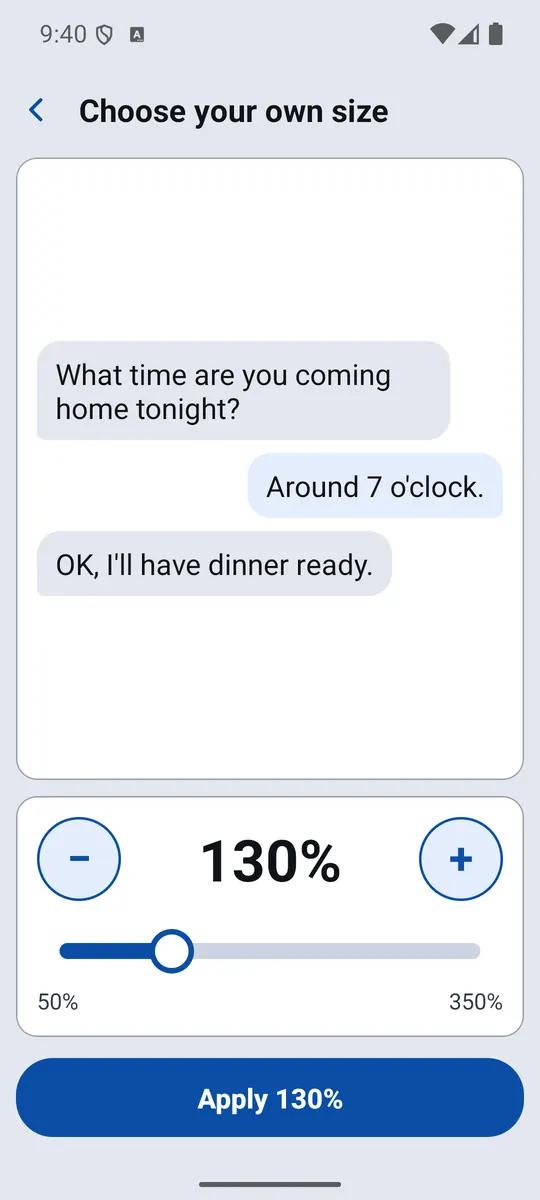
Big Font changes your phone's own text size, so messages, news, settings and almost every other app grow with it.
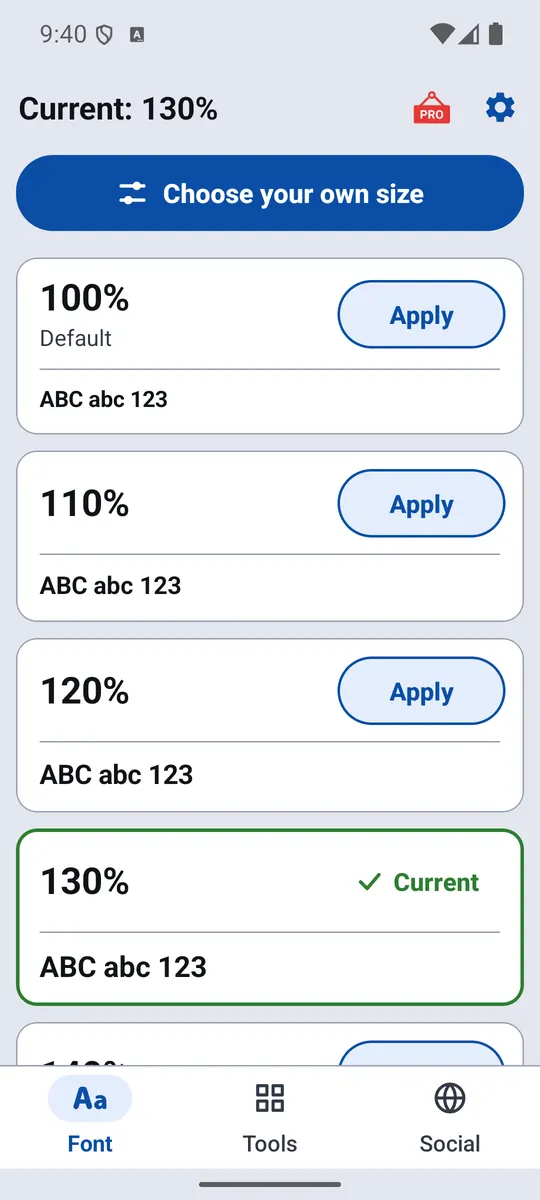
- Any size from 50% to 350%, each with a live sample
- Fine-tune with a slider and watch a real chat message grow
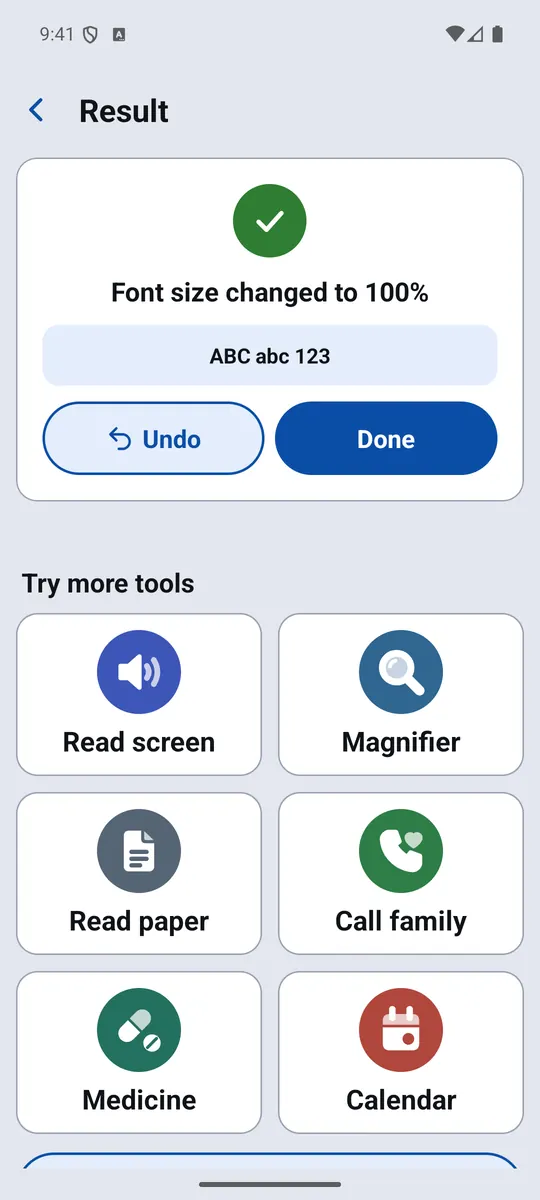
- Undo straight after every change — no risk in trying
 Read screen
Hear any screen read aloud
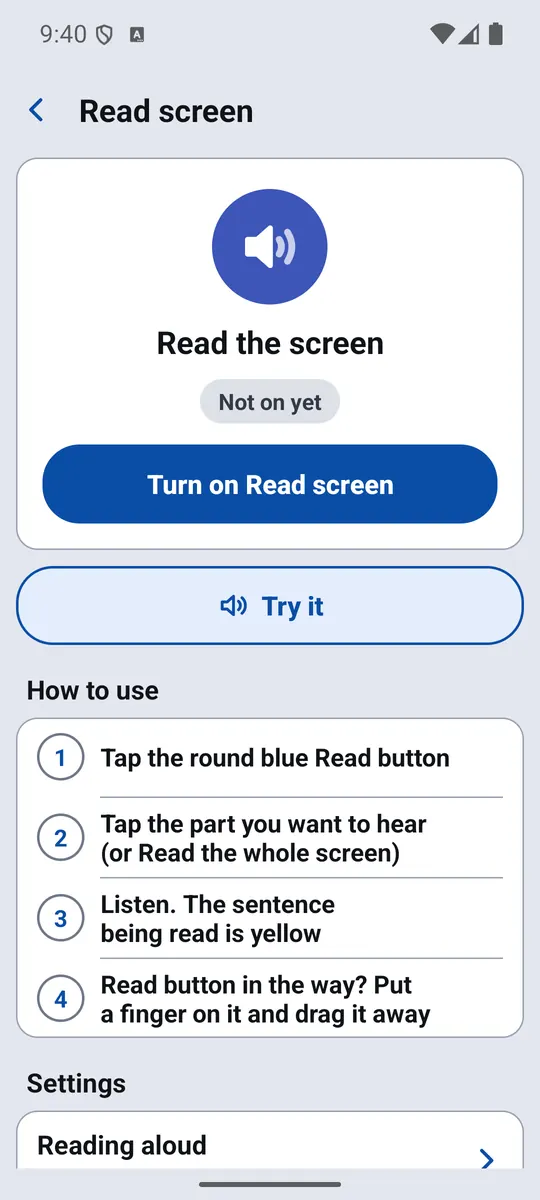
Turn on Read screen and a round blue Read button floats over your apps. Tap it, choose a passage — or the whole screen — and listen while the sentence being read lights up in yellow.
- Works in messages, news and web pages
- Choose the reading text size and speed
- Reads only when you tap — the text never leaves your phone
 Magnifier
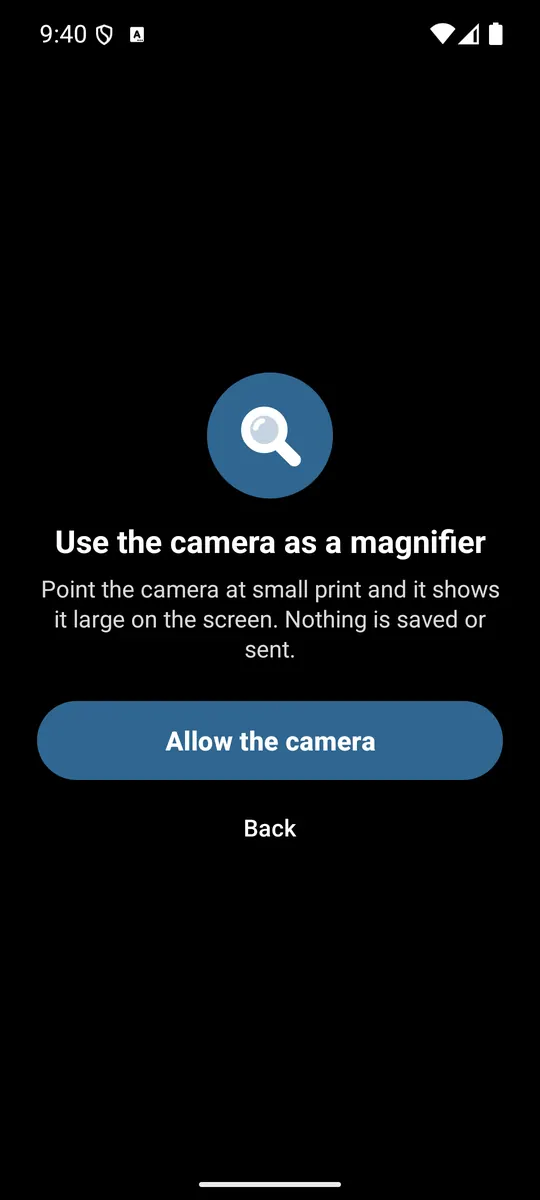
Your camera becomes a magnifying glass
Point the phone at small print — a medicine box, a price tag, a bill — and see it large on screen.
- Zoom, light, freeze the picture and high-contrast view
- Nothing is saved or sent anywhere
 Read paper
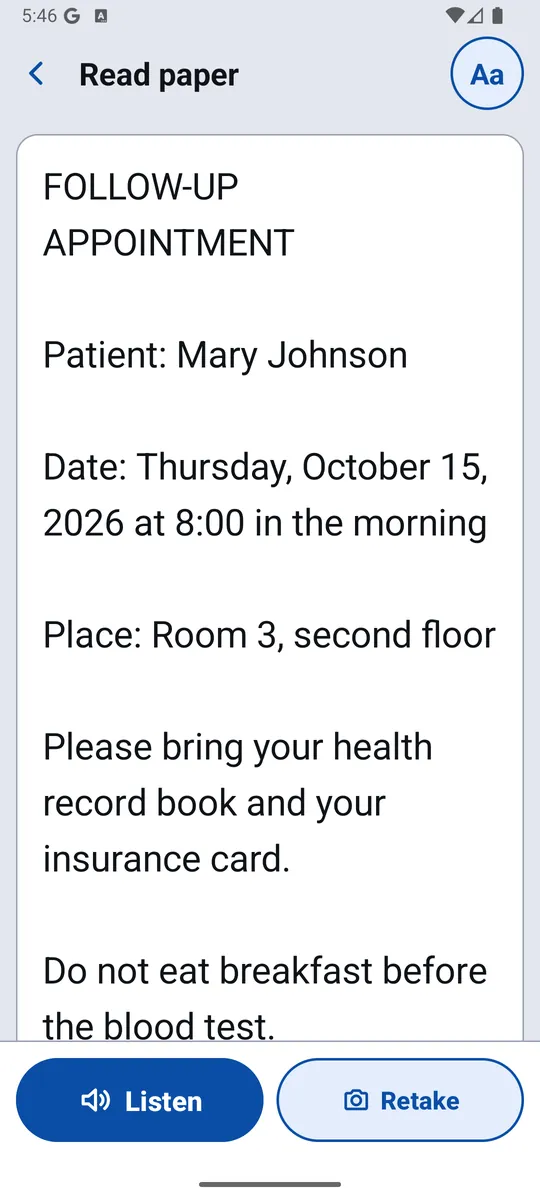
Photograph a letter. Hear it read.
Take a photo of a letter, a label or a bill — or pick one you already have — and the words appear large and are read aloud.
- Text is recognised on the phone itself, in many languages
- Keeps your last 10 papers to read again
 Call family
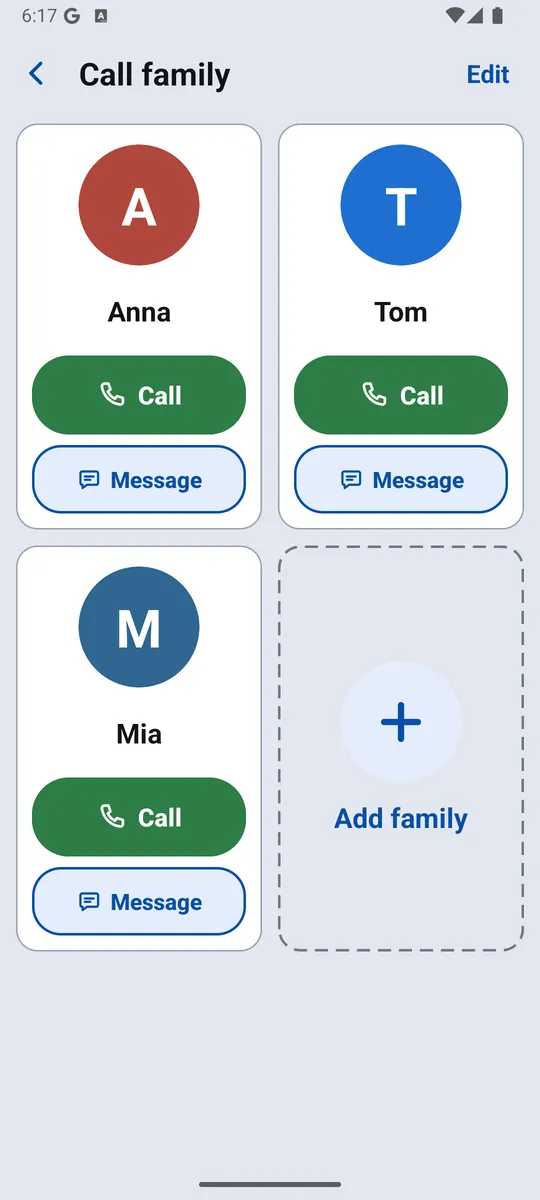
Big faces, one tap to call
Add children and grandchildren as big contact cards. One tap calls them — or starts a video call on WhatsApp, Zalo, Telegram or Viber.
- Contacts are picked one by one — the app never reads your whole address book
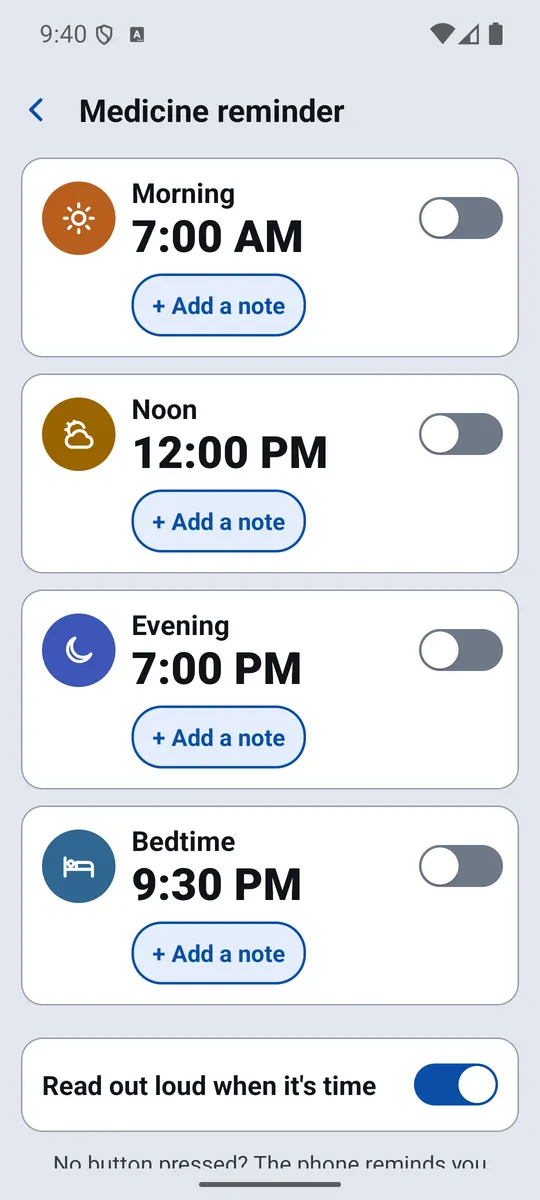
 Medicine
Medicine reminders that speak
Set up to four times a day — morning, noon, evening and bedtime — with a note, a photo of the pills or a voice note.
- Rings even on the lock screen and reads the reminder out loud
- Missed it? It reminds you again 10 minutes later
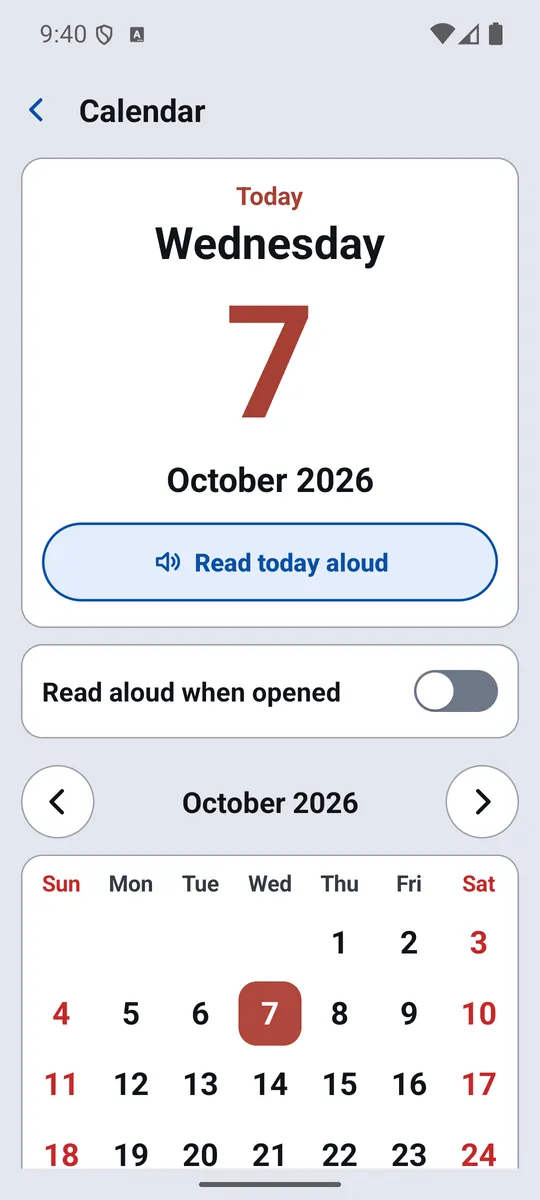
 Calendar
Today, in really big numbers
See the day and date at a glance, with a second calendar — such as the lunar calendar — underneath. Tap to hear today read aloud.
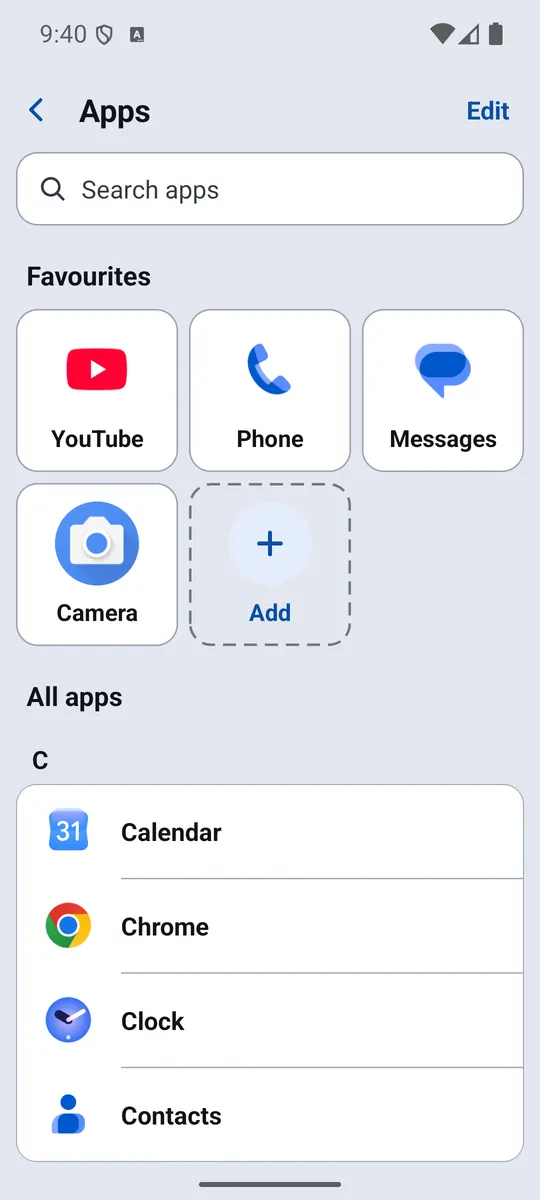
 Apps
Apps
Every app in one big, simple list
Large names, a search box and your favourites at the top — no more hunting through small icons.
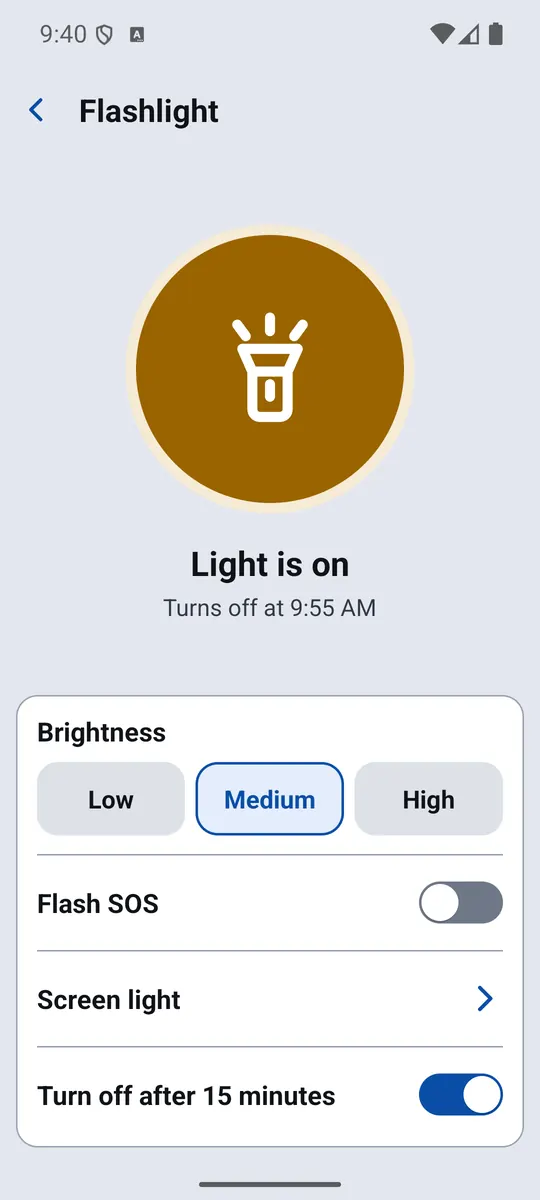
 Flashlight
A flashlight you can't miss
One big switch, three brightness levels, SOS flashing and a screen light. It turns itself off after 15 minutes so the battery is never drained by accident.
 Home screen
All the tools on your home screen
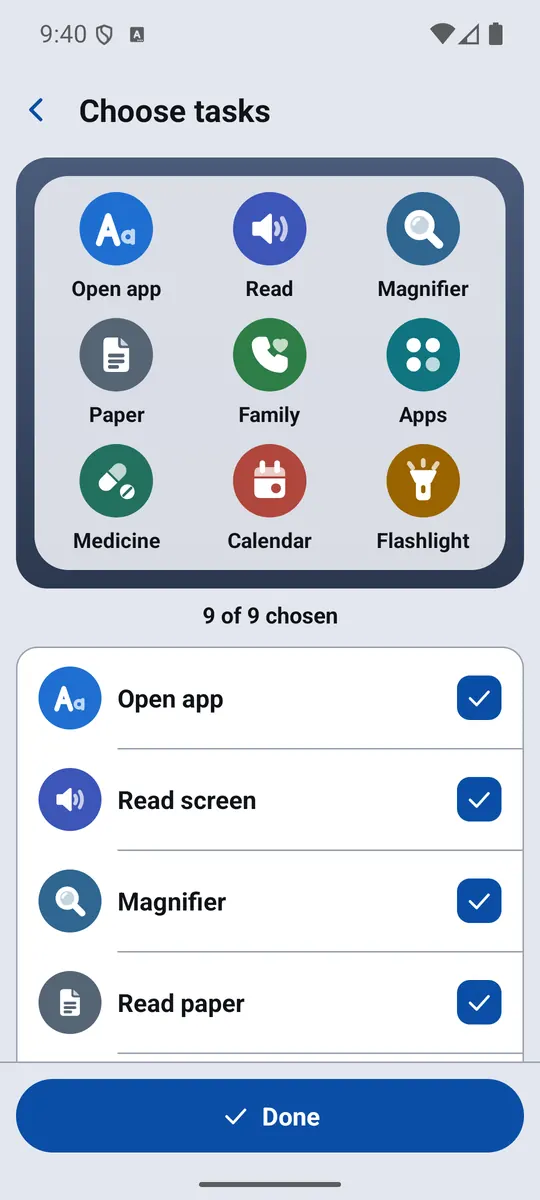
Add the Big Font widget and choose up to nine tools. Your most-used tools are always one tap away, without opening the app.
Free, with one optional upgrade
Every tool is free. Big Font shows ads to stay free; a single, one-time purchase removes them for good. Nothing is locked behind it.
Permissions, explained
Big Font asks for each permission only when you open the tool that needs it. Say no, and everything else keeps working.
Needed to change your phone's text size. Android shows a switch the first time; Big Font shows you exactly which one.
Lets Read screen show its button and read the text in front of you when you tap it. Nothing is stored or sent.
Used live on the phone to magnify and recognise text. Photos of papers stay on the phone.
Lets one tap call a family member. Without it, the phone's dial pad opens instead.
Rings medicine reminders on time, also after a restart, and shows the flashlight while it's on.
Loads ads, sends anonymous crash reports and opens the Social tab's websites.
Read exactly what Big Font collects — and what it never does.
Ready to try it?
Free on Google Play. Set up in about a minute.